
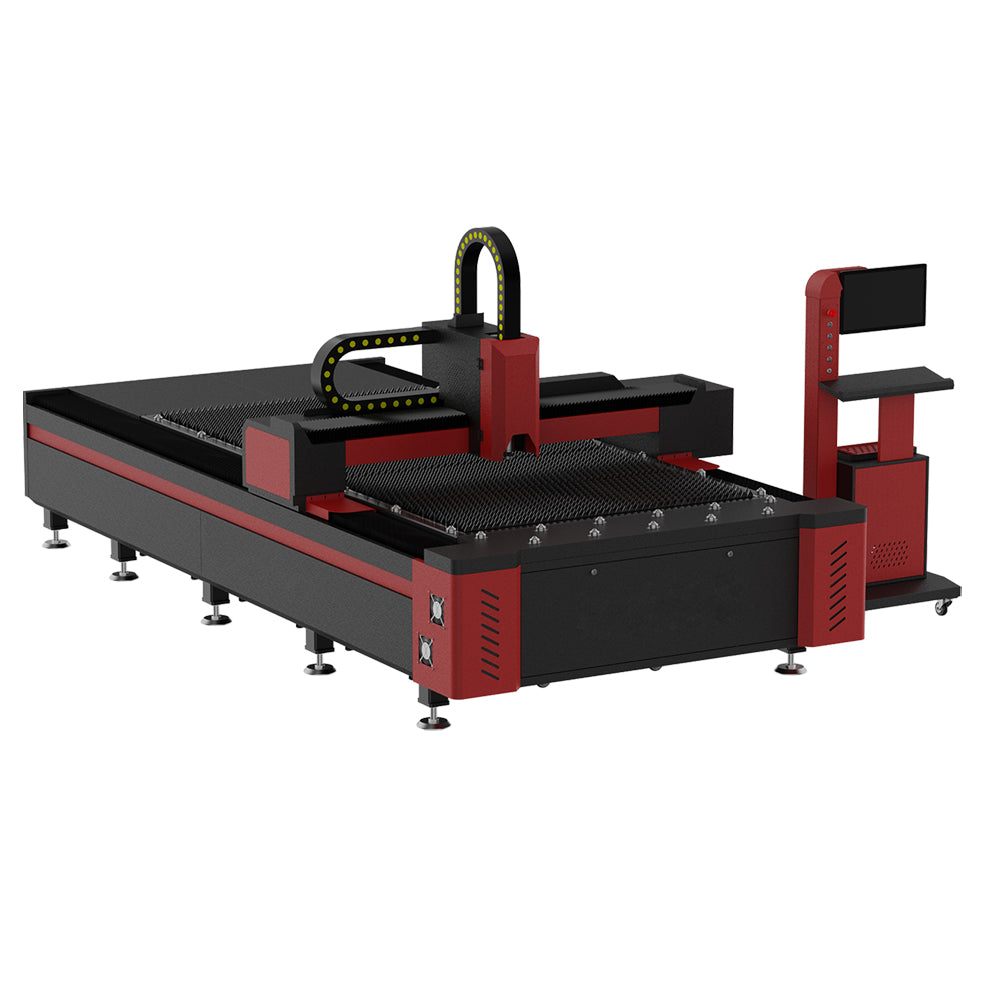
 3 kW Fiber Laser Cutting Machine
How to Identify Laser Cutting Replacement Parts
Prepare the installed model, part reference and matching information for cutting heads, nozzles, ceramic rings, protective windows and cooling equipment.
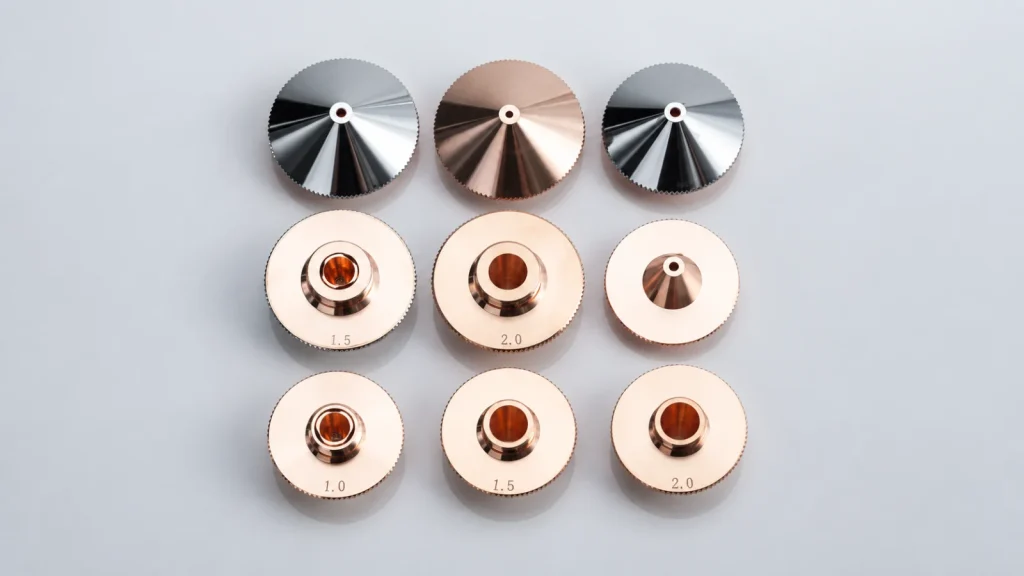
Identify laser cutting replacement parts from the equipment already installed and the item you need to replace. A clear component reference makes a parts enquiry easier to resolve. A machine brand or overall photograph provides context, but it does not specify every part inside the system.
Identify the installed equipment
Record the machine model and, where available, its serial number. For head consumables, also record the cutting-head manufacturer, full model and any version shown on its label. A machine may have a different head from the one pictured in a general catalogue.
Use the existing parts list, component packaging or previous confirmed order to find the part reference. If the reference is missing, say so. Keeping confirmed information separate from an estimate helps avoid repeating an incorrect selection.
Prepare the details for each component
| Component | Information to provide |
|---|---|
| Complete cutting head | Installed head and laser-source models, optical interface, mounting and control requirements. |
| Nozzle or ceramic ring | Part reference, head model, nozzle outlet and thread details, plus the seating dimensions identified in the parts drawing. |
| Protective window | Part reference, position in the head, diameter, thickness and the specified optical requirements. |
| Chiller or cooling component | Full chiller model/variant, supply rating, connection details and the equipment cooling requirements. |
Protective windows, nozzles and ceramic bodies have distinct references and positions in the assembly. Consult the parts information for the installed version; the Raytools BM110 manual is one manufacturer example, not a compatibility list for other heads.
Use photographs as supporting evidence
Useful photographs include a readable equipment label, an overall view of the component and markings on available packaging or spare parts. If you already have a drawing or documented measurement, include its units and the exact feature it describes.
An image cannot establish an optical coating, internal specification or electrical variant. Avoid measuring from the proportions of a photograph. Identify what still needs confirmation from the equipment documentation or responsible service team. This checklist covers identification; installation and servicing should follow the equipment manufacturer’s instructions.
Keep each requested item separate
When ordering several sizes, list them as separate items with individual quantities. Distinguish a complete assembly from a single consumable, and identify any packaging or labelling requirements that will help your team receive the order correctly.
- Installed equipment and component model: …
- Existing part reference or drawing: …
- Specification and any information still to confirm: …
- Quantity for this item: …
- Delivery country and required timing: …
For repeat orders, keep the confirmed reference with the machine record. Recheck the part when the installed head, component version or operating configuration changes.
Confirm the proposed item before ordering
Ask for the quoted part reference, matching specification, quantity and supply scope in one itemised response. If an alternative is proposed, request the technical differences and have compatibility reviewed for the installed equipment. Availability and delivery arrangements belong in the confirmed offer.
Start from the parts and supporting equipment range or use the enquiry below to describe a component that is not yet listed.